

TimeWatch IriGo Plus iris recognition attendance machine — 10,000 iris templates, dual NIR + RGB camera, contactless. Touchless biometric attendance for Indian offices and factories.
TimeWatch IriGo Plus — Iris Recognition Attendance Terminal
₹116,160.00
10 in stock (can be backordered)
10 in stock (can be backordered)
Description
A pharmaceutical clean room in Hyderabad needs touchless attendance because nothing solid can sit between glove and sensor — the regulatory document says so, and the auditor checks for it. Fingerprint readers are out by definition. Face recognition gets blocked by surgical masks. Iris recognition reads through the gap between mask and hairnet, gloves intact, no contact, no fail. The TimeWatch IriGo Plus is built for exactly this — iris is the most accurate biometric available, contactless, and the hygiene case writes itself.
Why HR managers pick the TimeWatch IriGo Plus
Iris recognition is mathematically the most distinctive biometric — more unique patterns per eye than fingerprints have minutiae, which is why defence facilities and high-security labs standardised on iris long before face recognition matured. The IriGo Plus reads at sub-second speed even at full 10,000-iris capacity, with a dual NIR + RGB camera that handles variable lighting from morning sun to fluorescent corridor. Contactless by definition — no hygiene concerns, no surface wear.
The recognition engine
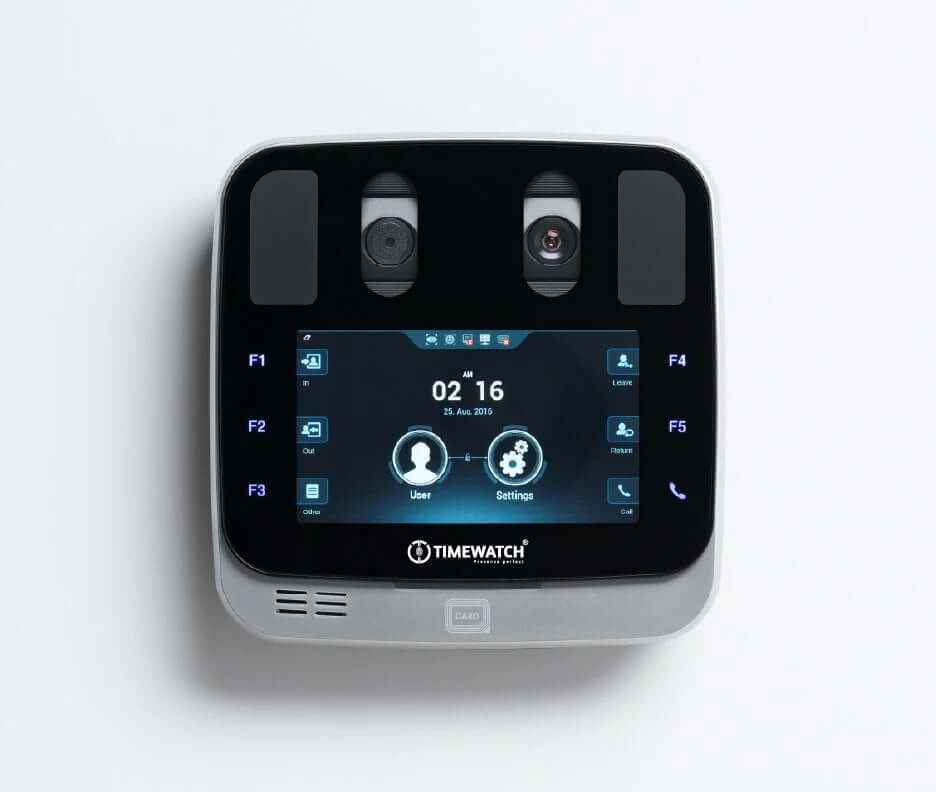
10,000 iris templates live on the device with 50,000 card capacity for hybrid deployments. The dual NIR (near-infrared) + RGB camera pair is the technical answer to one of iris recognition’s classic problems — variable ambient light. NIR captures the iris pattern through any lighting condition; RGB confirms liveness. AI-driven matching keeps the lookup time under a second even at full enrollment.
How it talks to your systems
TCP/IP, Wi-Fi and USB cover network integration in any environment — wired for backbone reliability, Wi-Fi for sites where cable pulls are impossible, USB for the offline data downloads that audit teams still ask for. Push data into TimeWatch attendance software or your existing HRMS keeps payroll flowing automatically.
Daily operation
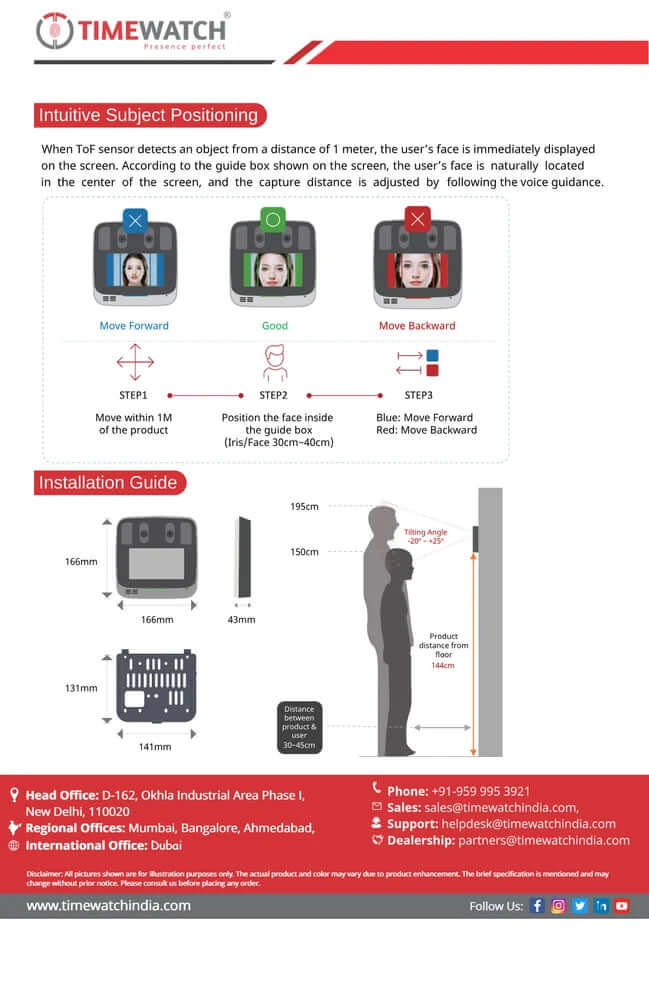
A 5-inch IPS touch display shows staff their verification result instantly — no guessing, no second tries. Staff position their eyes within the camera frame; the read happens in under a second. Wall-mount installation or pedestal mount; standard 12V power.
At a glance
- Brand+Model: TimeWatch IriGo Plus
- Recognition modes: Iris + card
- Iris capacity: 10,000 templates
- Card capacity: 50,000
- Display: 5-inch IPS touch
- Camera: Dual NIR + RGB
- Communication: TCP/IP, Wi-Fi, USB
- SKU: IriGoPlus
What buyers usually ask before ordering
Will iris recognition work with masks on?
Yes — that’s a primary use case. The iris is uncovered when masks are worn, so recognition completes normally. This is why hospitals, labs and clean rooms specify iris over face-only systems.
Does it integrate with our HRMS / payroll software?
Yes — TCP/IP push data feeds standard attendance software and most third-party HRMS platforms. Confirm with us based on your specific HRMS for export format.
How fast is the matching speed?
Sub-second even at full 10,000-iris capacity. Iris patterns are so distinctive that the matching algorithm narrows the search faster than face or fingerprint at equivalent capacities.
What’s in the box?
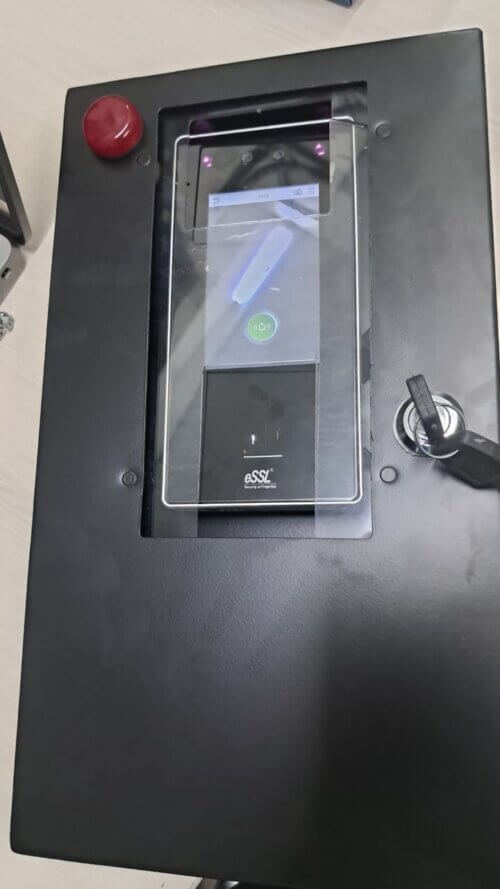
The IriGo Plus terminal, mounting kit, 12V power adapter, and documentation. Confirm with us based on your deployment for accessories like Mini UPS or metal enclosure.
Is there a mobile app or cloud dashboard?
Push data feeds your existing HRMS dashboard. For dedicated cloud reporting across multiple sites, confirm with us based on your deployment.
Related face recognition attendance machines
- All face recognition attendance machines
- All TimeWatch attendance machines
- All biometric attendance machines
- TimeWatch UltraFace T1 dual iris + face
- TimeWatch AI-Face T7HD with GPS + 4G
Sold by AmpleTrails. Questions on integration, bulk orders, or installation? Email [email protected], or call +91 9315441053 / +91 9034757673.
Reviews
There are no reviews yet.